Studio development
Develop a sequence before the shoot.
Explore screenplay coverage and visual direction for a scene, pitch, or creative previsualization review.
Explore the studio workflowPlan scenes, build references, create clips, and review a cut. Scope a repeatable AI filmmaking workflow around your production.
Pilot · Review criteria · Rollout decision
Explore the production stages. Each one plays in turn; select a step to inspect its purpose and output.
Describe the production in Story or use the script upload to start a project around your material.
Shape scenes, beats, characters, and shot direction before generating footage.
Develop character, location, and prop references within the project before the clip shoot.
Create clips against the plan and inspect each result as it lands in the project.
Bring clips together, inspect the timeline, and revise or retake shots in Studio.
Illustrative production examples.
Drama, adventure, thriller, and animation from projects made in Induce AI, each developed from a screenplay and a shot plan.
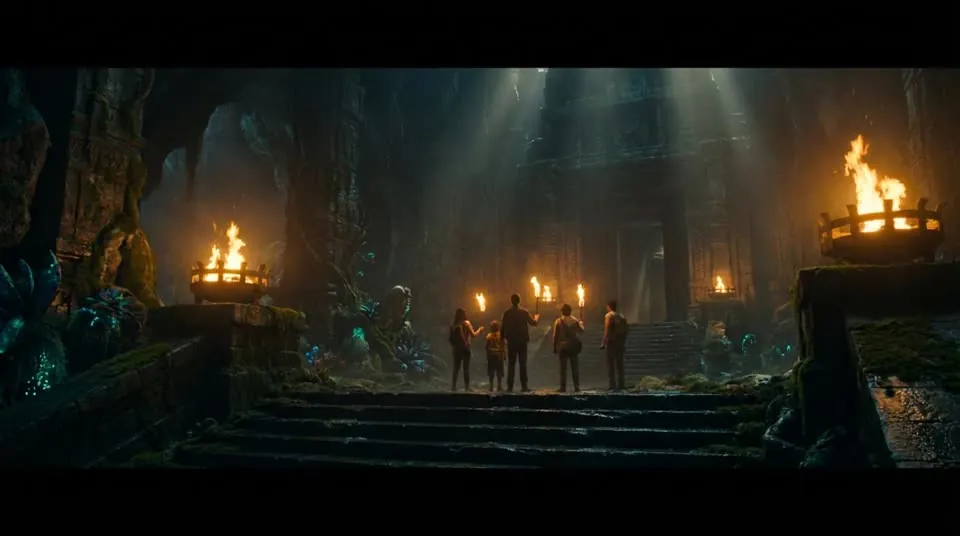



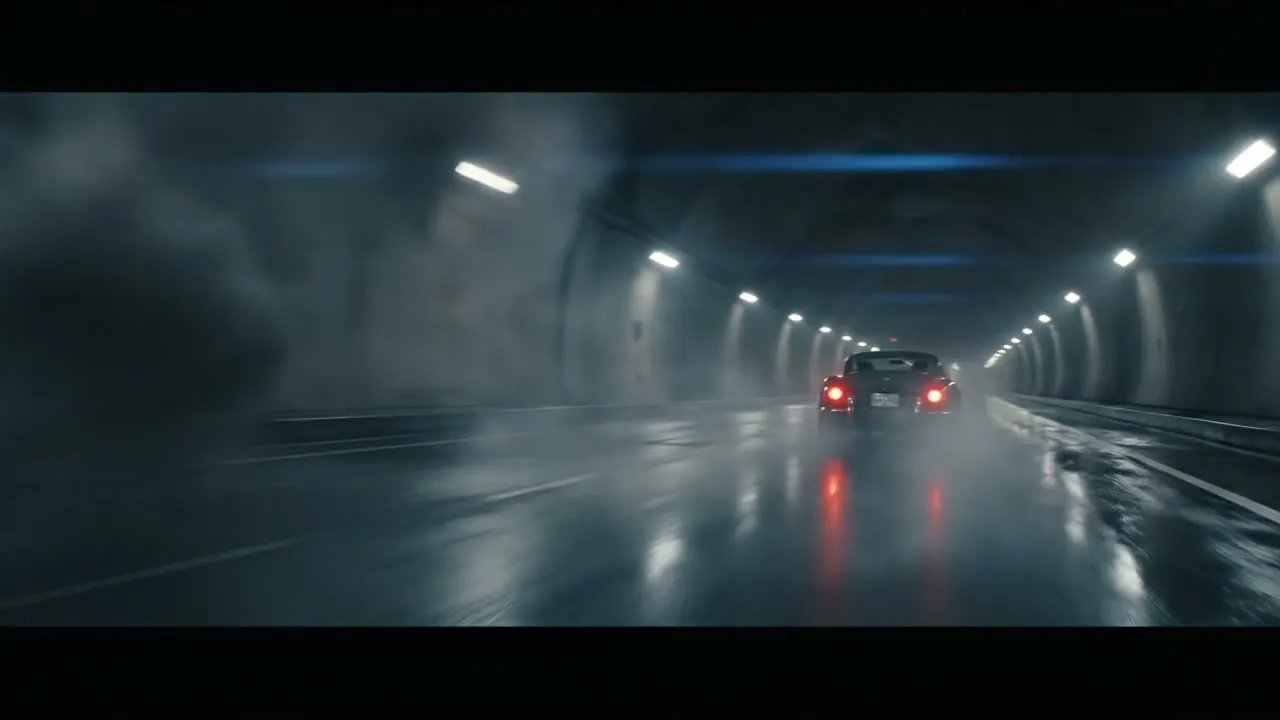

Frames from projects made in Induce AI. See how references keep a cut consistent.
See how the evidence changes what the next shot inherits.
Key on the chart
Key on the chart
The prior ending has incomplete boundary evidence.
Use the passing ending as next-shot visual context.
Keep the intended story state and the character, location, and prop references.
Matching plans alone are insufficient. Missing or unresolved boundary evidence makes the prior pixels ineligible to seed the next shot.
Illustrative handoff example with preset evidence.
Studios, media organizations, and production networks bring different creative and operating needs.
Explore screenplay coverage and visual direction for a scene, pitch, or creative previsualization review.
Explore the studio workflowTest the references, generation, review, and delivery work needed across a slate of narrative projects.
Plan long-form productionAgree how agency and production teams will evaluate output, revisions, cost, and delivery before scaling volume.
Explore agency productionEvaluate the complete cycle before planning a slate or committing to higher volume.
Select a representative scene with the cast, action, and visual demands of your real workload.
Develop references, generate coverage, and record attempts and hands-on production work.
Assess story clarity, identity, action, audio needs, and the effort to resolve a specific note.
Agree delivery, throughput, support, and any custom requirements using the pilot evidence.
Tell us what your production needs. SSO, private deployments, and custom formats require scoping and may need development. We confirm availability, feasibility, and timing before you commit.
Need Okta, Microsoft Entra, Google Workspace, or SAML? Share your identity requirements.
Discuss your cloud, network, region, and data residency requirements.
Scope render events, delivery notifications, and connections to your production tools.
Need ProRes, EDL, or a specific editor handoff? Bring your delivery specification.
Agree the review criteria before the first generation. These questions make a pilot useful to creative, production, and procurement teams.
| Review area | Evidence to gather | Decision to make |
|---|---|---|
| Creative output | A representative sequence reviewed against your brief and reference material. | Which production work meets your acceptance criteria? |
| Economics | A cost log including generation, retakes, review, editing, and delivery preparation. | What is the cost per approved finished video or minute? |
| Delivery | A sample output tested in your actual playback or editing environment. | Which formats work today, and which need custom development? |
| Data & integration | Current documentation for data handling, access, APIs, and requested deployment controls. | What is available, and what scope and timing must be agreed? |
The published Terms cover output rights and model-training consent. Request current technical and security documentation for your evaluation.
Read the Terms of Service- Questions
Induce AI is an AI filmmaking workspace for teams developing films from briefs or screenplays. The Story workflow brings scene plans, visual references, generated clips, and a reviewable final cut into one project.
The Story workspace includes script upload. Teams can develop the material through a scene and shot plan, create visual references and clips, and assemble a cut for review.
Induce AI is designed around projects, scenes, shots, and cuts rather than single prompts. Discuss the length, throughput, review process, and support you need with sales before an enterprise rollout.
Discuss the production tools and events you need to connect. Request current API documentation and availability, then agree the scope and timing of any custom integration during your pilot.
Yes. Share your identity provider, cloud, or delivery requirements with our team. SSO, private deployments, and custom formats are scoped requests that may need development. Availability, feasibility, and delivery timing are confirmed before you commit.
Induce AI’s Terms say customers retain ownership of outputs from their inputs and have commercial usage rights, subject to the Terms and applicable third-party rights.
Induce AI’s Terms say project content is not used to train Induce AI or third-party models without separate, explicit written consent. Review the Terms and request current security documentation during procurement.
Discuss a pilot with sales using your own script, expected production volume, review steps, and security requirements. Enterprise customers can request current security materials.
Discuss your volume, film length, review process, delivery requirements, and a practical pilot.