Templates
AI video templates for product ads, reels and visual effects
Each template in Induce AI is a tested starting point: a look, a camera move and a kind of motion that already works. You choose one, give it your own image or idea and a short direction, and generate your own version. The library has four groups, the same as in the app: product ads, stories and reels, transformations and effects. Each page below covers every template in its group, with previews, what to upload and how to get a good result.
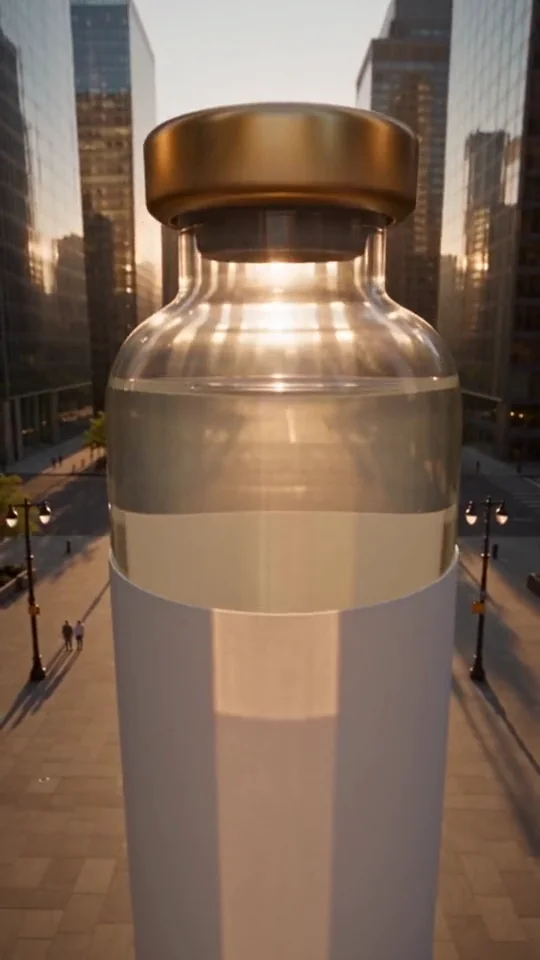 Product ad templatesTurn one product photo into a short ad: giant products, flying drinks, blue-hour tech and colour lookbooks.
 Reels and story templatesShort, world-building shots for reels and story openers: sky whales, drone flights, tiny characters and giant pets.
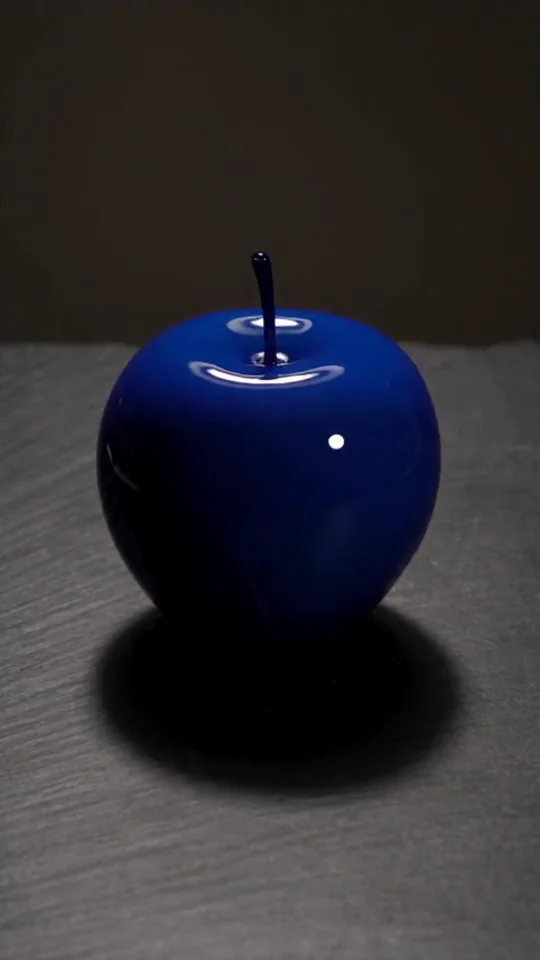 Transformation templatesOne continuous change you can read in a second: objects that melt, walks that cross worlds, drawings that come alive.
 Video effect templatesStylised effects for brands and creators: clones, liquid sculpture, water arches, a Moon drift and giant flowers.