AI shot control.
Refine the shot, review the story.
Choose the clip you want to revisit. Use Retake or Replace in Induce AI Studio, then judge the new result in the assembled film.
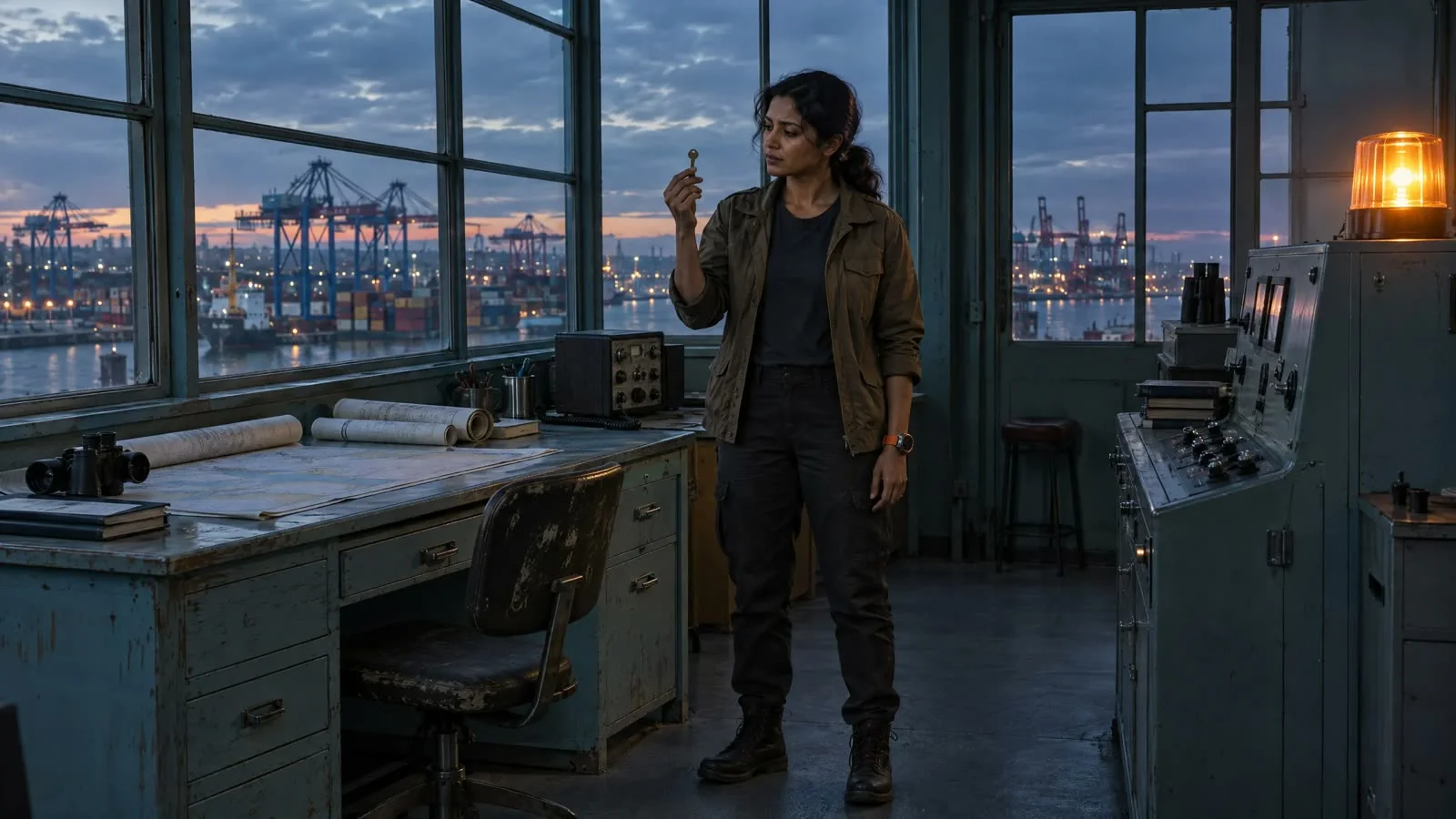
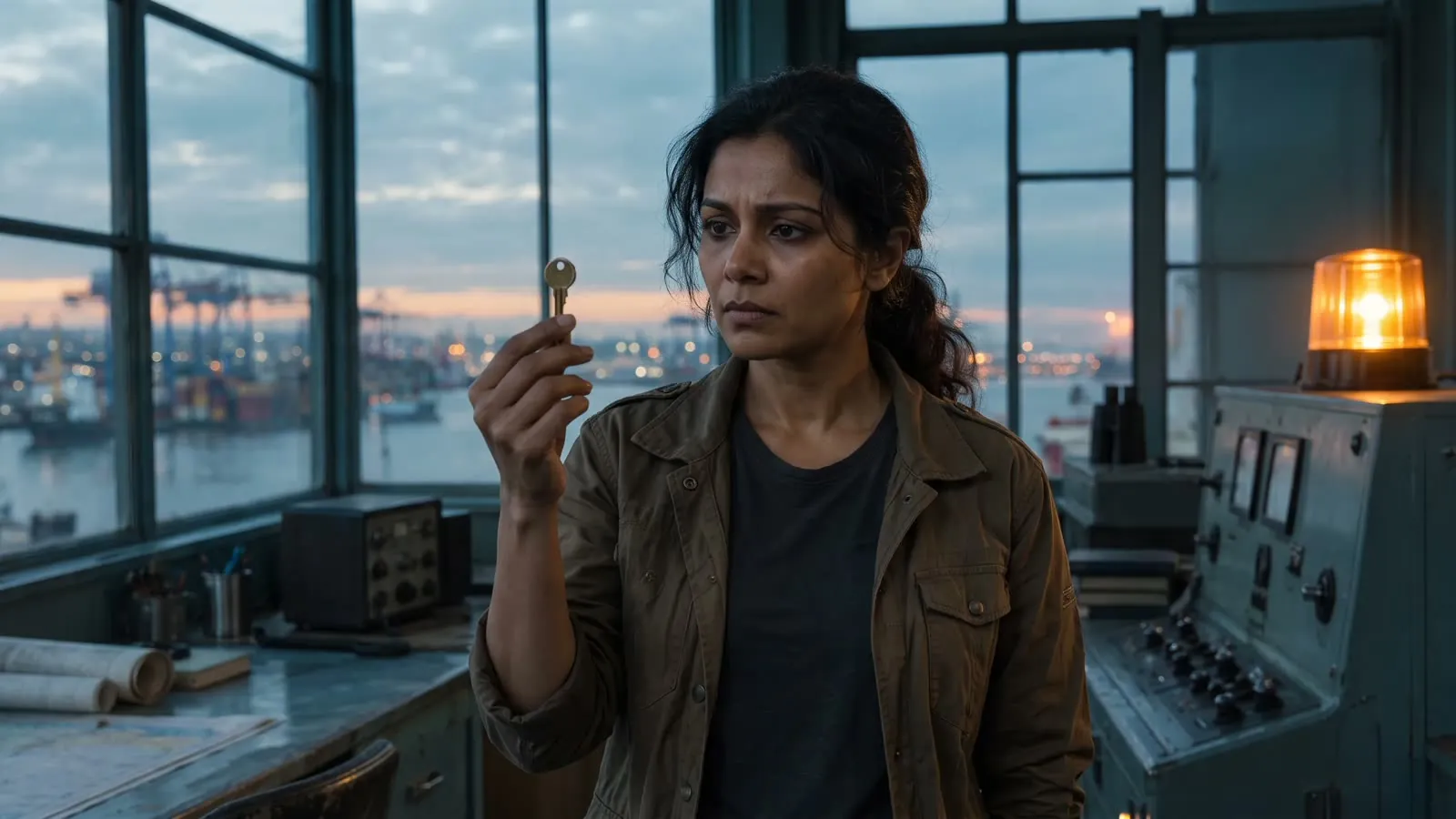 Note Move closer for the reaction
Make a change. See it in context.
Follow a creative note through this example sequence. Judge the revision in the final cut.
Start with the moment that needs work.
Review the assembled sequence and select the clip you want to revisit.
Example note: move closer for the reaction.- Selected
Open the take. Inspect the controls.
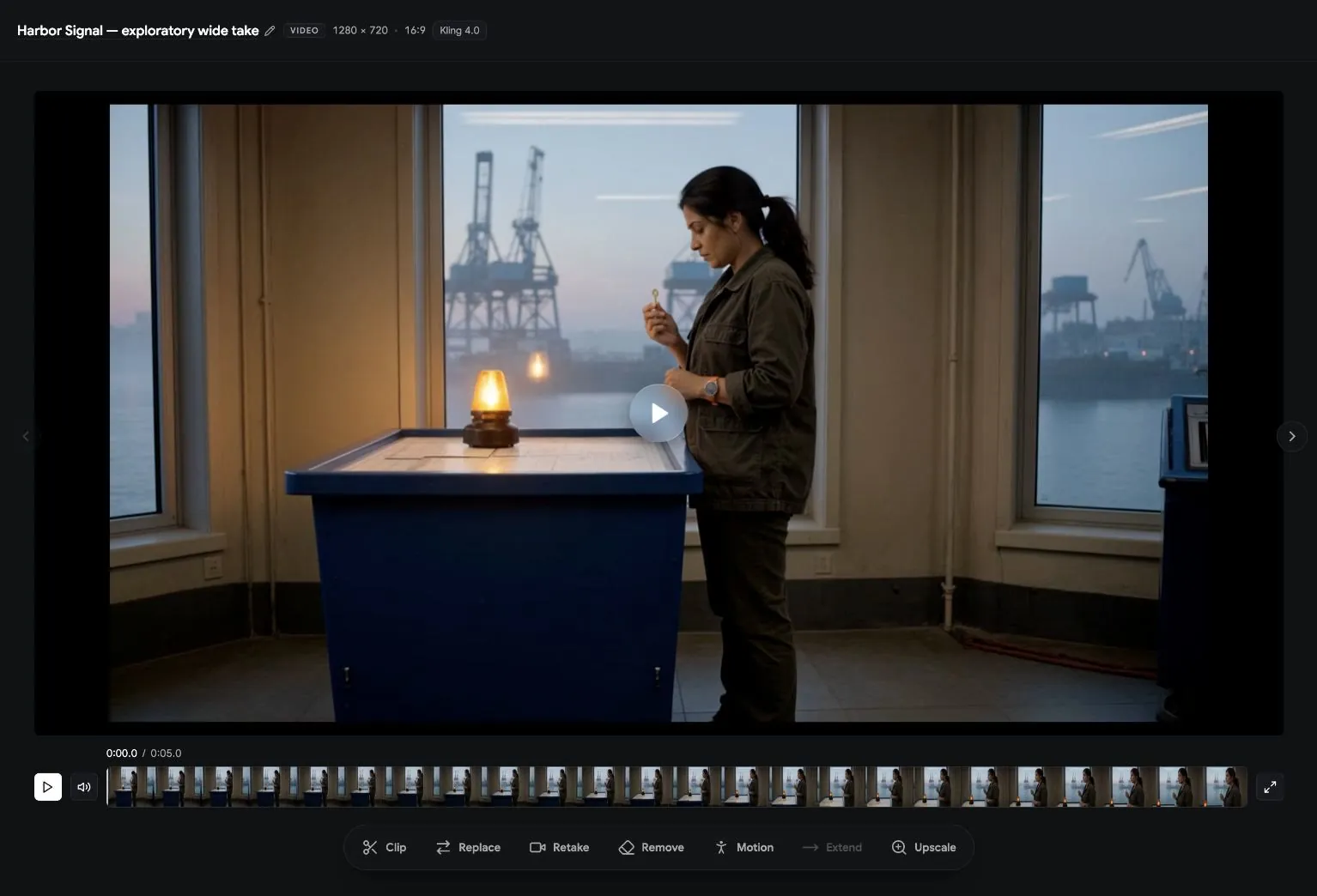
This exploratory Signal at Dawn take shows the generated footage, source prompt, reference, and available clip actions. Inspect a specific result before deciding what to revise.
- Inspect the source prompt and model label
- Review the footage and timeline
- Identify the change for a retake
Direct the detail. Judge the result.
Give one specific note and compare the new take. Model response and available editing controls vary by workflow; these examples help a team define what to test.
- Framing
“Move closer for Nora’s reaction; keep the harbor window behind her.”
Review: Composition and continuity of place- Lens & depth
“Try a shallower depth of field so the character leads the frame.”
Review: Subject separation and readable detail- Lighting
“Keep the room cool and the chart-table lamp warm.”
Review: Light direction and the intended look- Timing
“Hold the reaction longer before moving to the detail shot.”
Review: Beat length and the transition- Performance
“Try a quieter, more restrained reaction to the signal.”
Review: Emotional read and story intent- Blocking
“Keep the brass key in her right hand as she turns.”
Review: Action, object state, and screen direction
- Questions
Shot control, answered.
The Studio final-cut view includes clip actions such as Retake and Replace. Select the clip you want to revisit, make the change, and review the resulting cut before delivery.
Give a specific creative note, such as a closer framing, a clearer action, or a different lighting direction. Keep the intended character and setting references available, then inspect how the new result fits the scene.
A new generation can change visual details. Review identity, props, screen direction, timing, and transitions against the surrounding shots. Use the final cut to judge whether the revision works in context.
Discuss a pilot with a real scene and a few concrete revision notes. Compare the original and revised footage in the cut, record the accepted takes and production effort, and agree any additional editing or delivery requirements with our team.