For directors and pre-production
AI storyboard generator that goes from script to storyboard
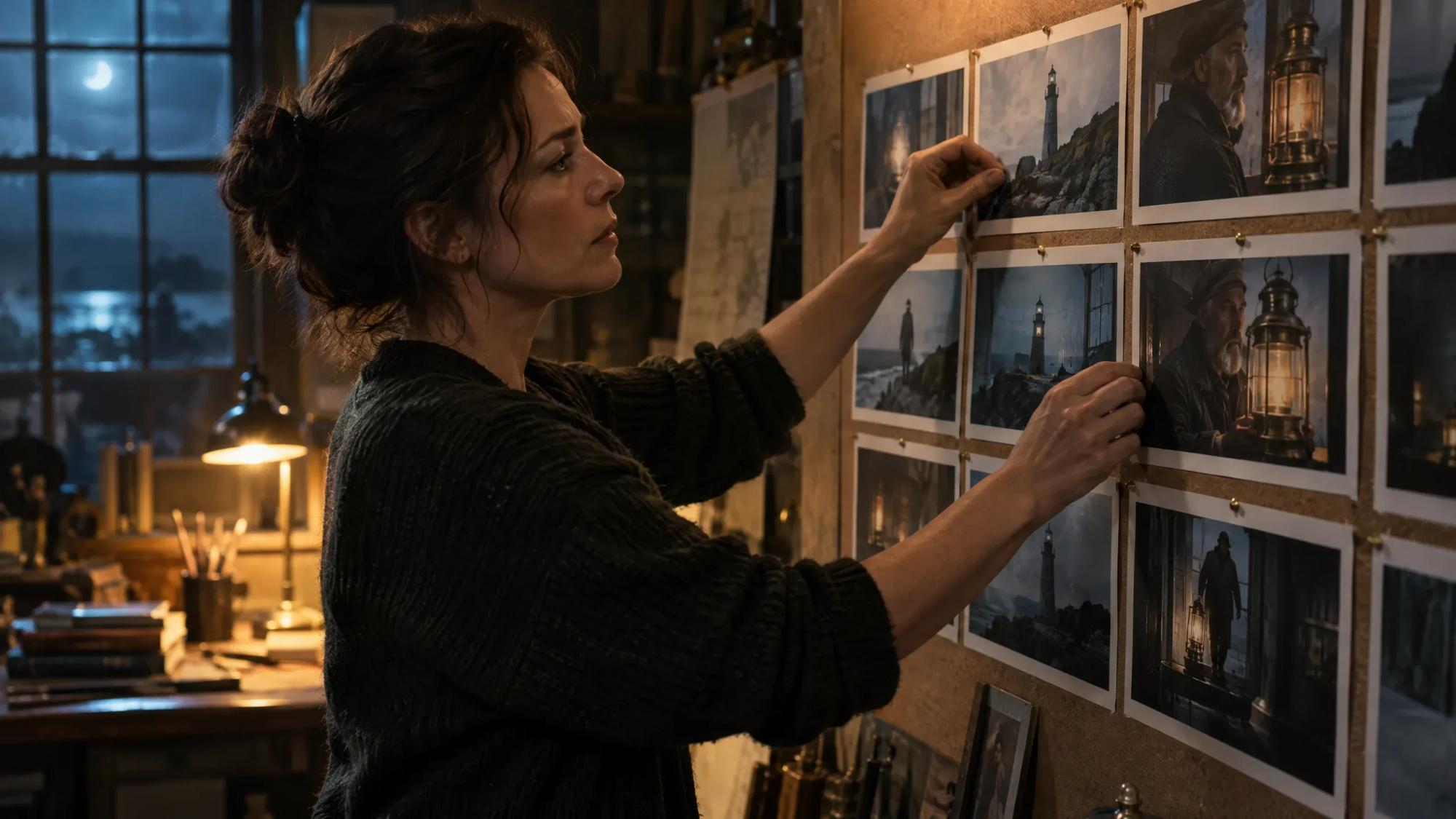
An AI storyboard generator turns a script into a sequence of frames, one per shot. In Induce AI you upload a script or type a brief, Story mode writes the shot list, and a still is rendered for each shot from the same character, location and prop elements, so the boards read as one film.
Generates withKlingVeoSeedanceNano Banana
How it works
How to turn a script into a storyboard with AI
Upload a script or type a brief
Story mode accepts PDF, Final Draft (.fdx), Fountain, Celtx, Word, Markdown and plain text files up to 25 MB. With no script, describe the idea and the agent drafts one with you.
Review the scenes and the shot list
The script is broken into scenes, and each scene gets a shot list you can read before anything is rendered. Change the coverage the way you would on paper.
Set the elements
Characters, locations and props are saved once as elements. Every frame draws on them, which is what keeps a face recognisable from the wide to the close-up.
Render a still for every shot
Stills are rendered shot by shot. Each take is reviewed and gets a short verdict, and a take that misses the plan is marked so you can re-film it or accept it anyway.
Carry the boards into video
Approved stills become the opening frames for the clips. The shot list and elements you signed off are the ones the video is generated from, so nothing is redrawn.
What you get
What you can storyboard with AI

Narrative scenes
Dialogue scenes and sequences from a feature, short or series script, with coverage planned per scene.

Commercials
A brief turned into a shot-by-shot storyboard for client review. Flash Shoot films have a storyboard stage you can edit before any credits are spent.

Pitch and previs boards
A representative sequence that shows tone, cast and world to a financier or commissioner.

Action sequences
Fast, multi-shot sequences planned frame by frame before you commit to video.

Training scenarios
Dramatised workplace scenes laid out shot by shot before production.
Music video treatments
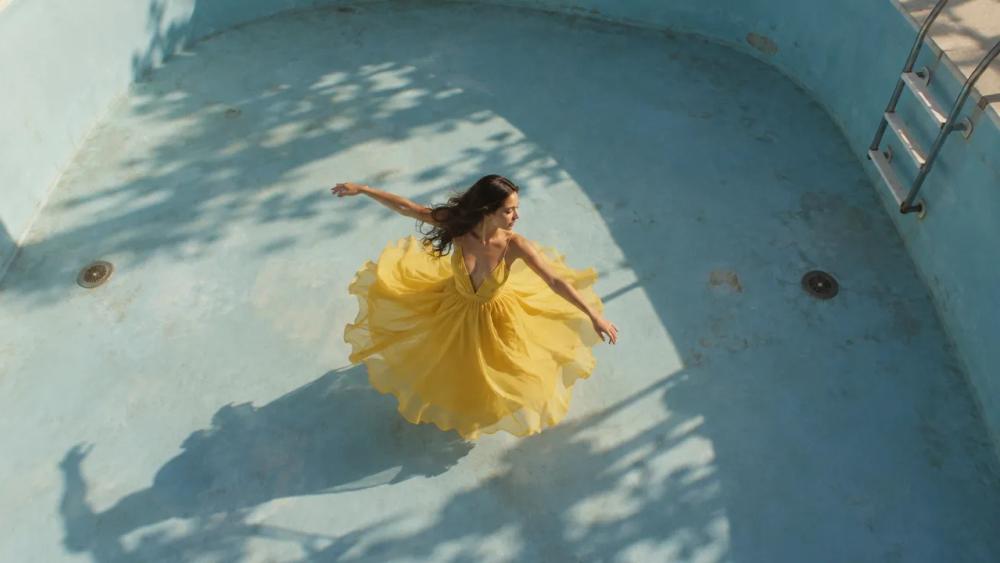
A written treatment turned into a visual plan, section by section.
Why Induce AI
Why use Induce AI as your script-to-storyboard AI
It reads the script, not a prompt
The shot list comes from the screenplay itself, scene by scene, so the storyboard follows the story you wrote instead of a list of one-line prompts.
The same characters in every panel
Character, location and prop elements are shared by every shot in the project, in 16:9 or 9:16.
Boards that become the film
The storyboard is not a separate document. The stills you approve are the frames the video clips start from.
Is it for you?
Made for you if…
- You have a script or treatment and want to see it shot by shot before committing budget.
- The same characters and locations appear across many panels.
- You plan to take the approved frames on to generated video.
- A client or producer needs to review coverage early.
- Questions
AI Storyboard Generator,
answered.
Yes. Upload the script to Story mode in Induce AI and it is broken into scenes and a shot list, then a still is rendered for each shot. You review the shot list first, so the coverage is yours.
PDF, Final Draft (.fdx), Fountain, Celtx, Word (.docx), Markdown and plain text, up to 25 MB. You can also type a brief and have the script drafted for you.
Save each character, location and prop as an element. Every still is rendered from those elements, and each take is reviewed against the plan before you build on it.
Induce AI runs on credits rather than a free tier. Plans are on the pricing page, and a short scene is enough to see whether it fits your work.
They are close. A storyboard is a set of still frames in shot order; an animatic adds timing by cutting those frames to length. Induce AI renders the frames and can go on to generate the moving clips, so you can move from boards straight to footage.
Yes. Type the idea as a brief and Story mode writes the script, cast and shot list before rendering the stills.
Up next
- Use caseAI Corporate VideoScenario, training and brand films from a script.→
- Use caseAI Movie MakerA script planned, generated and assembled into a cut.→
- Use caseAI Music Video GeneratorA treatment planned and generated section by section.→
- ProductScript to videoHow a screenplay becomes scenes, shots and references.→
- GuidePilot checklistHow to test an AI video workflow on one real scene.→
- PlansPricingPlans for creators, studios and enterprise teams.→