
For filmmakers and marketing teams
AI movie trailer generator for films that don’t have footage yet
An AI movie trailer generator creates trailer shots from text instead of cutting existing footage. In Induce AI you write the trailer as a short script, Story mode turns it into a shot list with shared characters and locations, generates each shot and assembles a cut you can download.
Generates withKlingVeoSeedanceNano Banana
How it works
How to make a movie trailer with AI
Write the trailer as a script
A trailer is its own short film: an opening image, a hook, a turn, an escalation and a title. Write those beats as scenes, or type a brief and let Story mode draft them.
Trim the shot list
Story mode breaks the trailer into shots. Trailers work on short, distinct images, so cut any shot that repeats another before you render.
Lock the cast and the world
Save the lead characters, key locations and any hero prop as elements. They carry into every shot, which is what makes separate images feel like one film.
Generate and review each shot
Each shot is rendered as a still, then a clip, in 16:9 or 9:16. Every take is reviewed and given a verdict; re-film or extend the ones that break the rhythm.
Assemble and download the cut
The shots are assembled into a cut you can download. Add licensed music, titles and the final sound mix in your own editor.
What you get
Trailers you can make with AI

Proof-of-concept trailers
Show a film that has not been shot, to raise finance or attach talent.
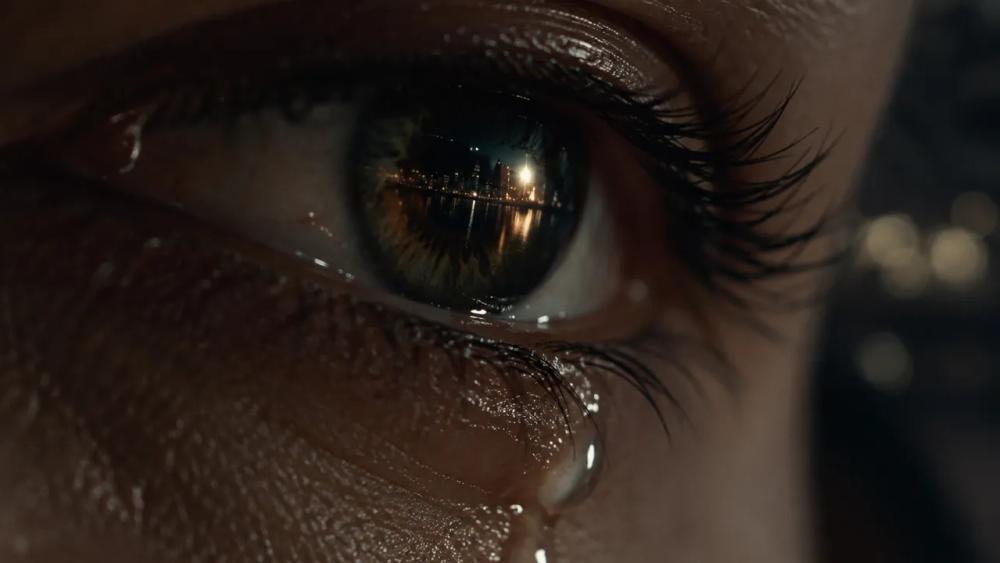
Teasers
A short run of images that sets tone and world without giving away the plot.
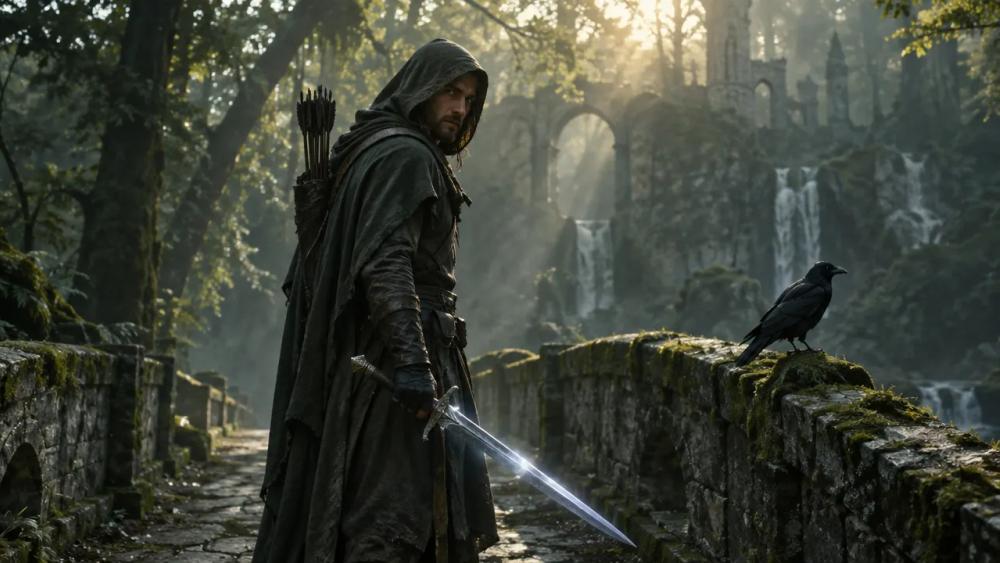
Book and game trailers
Scenes written from a novel or a game world, with a consistent cast.
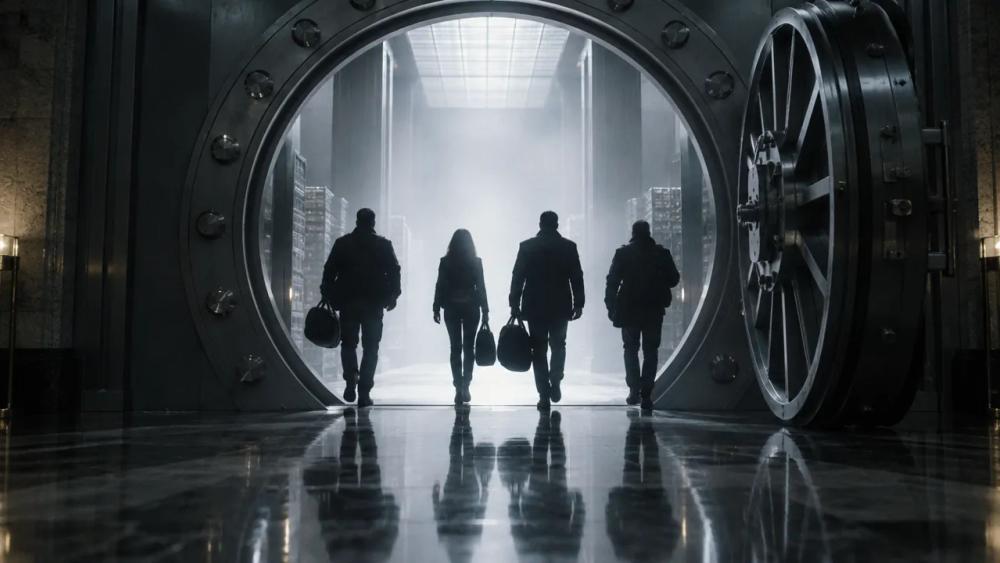
Pitch sizzles
A sequence that sits alongside a deck and a script in a pitch.
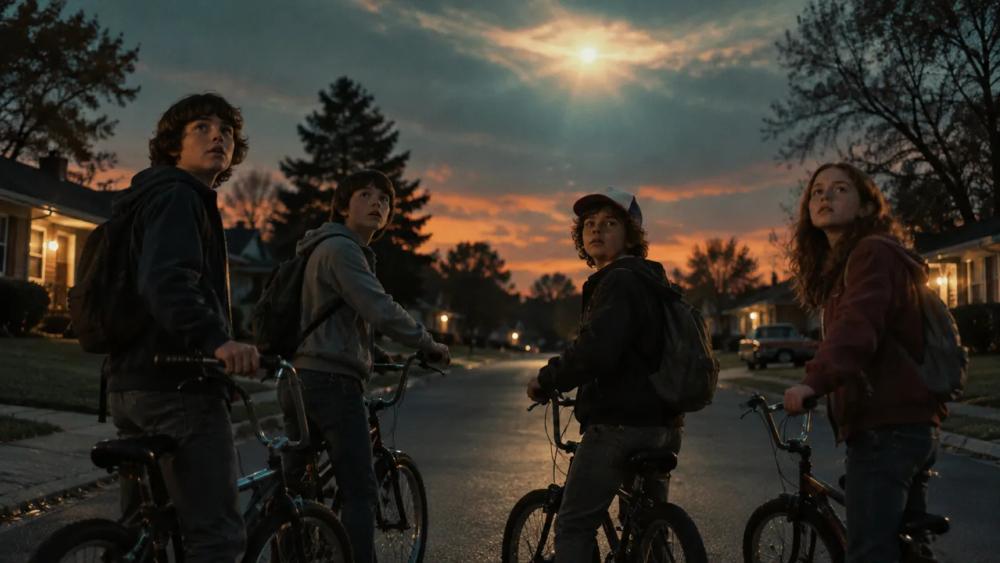
Series previews
Recurring characters and locations held across several episodes’ worth of moments.

Festival and crowdfunding cuts
A first look for a campaign page while the film is still in development.
Why Induce AI
Why use Induce AI as your AI trailer maker
One cast across every shot
A trailer jumps between places and moments. Shared character and location elements keep the lead recognisable in each of them.
Every take is reviewed
Takes that miss the plan are flagged before you build on them, and you decide whether to re-film or accept.
Wide or vertical from one project
Generate in 16:9 for a film trailer or 9:16 for a teaser on social, at draft, refined or cinematic quality.
Is it for you?
Made for you if…
- The film, book or game has no footage yet and you need to show what it will feel like.
- The same characters must be recognisable across many short shots.
- You want to pitch the film to investors, publishers or an audience before it is made.
- Questions
AI Trailer Generator,
answered.
Yes, in two different ways. Some tools cut a trailer from footage you already have. Induce AI generates the shots themselves from a script, which is what you need when the film has not been made.
Induce AI runs on credits, and the plans are on the pricing page. A 30-second teaser is a good first project: fewer shots, and quicker to polish.
Teasers usually run 30 to 60 seconds and full trailers 90 seconds to two and a half minutes. Start with a teaser.
Write voice-over and dialogue into the trailer script; Story mode can generate dialogue audio for a clip. Add licensed music and the final mix in your editor once the picture is approved.
Save the character as an element once and it is used for every shot that character appears in.
No. A one-to-two-page trailer script is enough, or a typed brief. A full screenplay helps you pick the moments.
Up next
- Use caseAI Corporate VideoScenario, training and brand films from a script.→
- Use caseAI Movie MakerA script planned, generated and assembled into a cut.→
- Use caseAI Music Video GeneratorA treatment planned and generated section by section.→
- ProductScript to videoHow a screenplay becomes scenes, shots and references.→
- GuidePilot checklistHow to test an AI video workflow on one real scene.→
- PlansPricingPlans for creators, studios and enterprise teams.→