Showreel

AI short films
made with Induce AI.

Multi-shot cuts from the Rhapsody Engine, across genres and formats. Watch the films, then start your own from a template.

  • 9 Short films
  • 16 Templates
  • 4 Categories
- The films

Every cut, start to finish.

Each film is a full sequence: the same characters, wardrobe, and props carried from the first shot to the last.

  • Door

  • Fantasy World

  • Grandmother

  • Horror

  • Love & Marriage

  • Pixar F&C

  • Sprint

  • Wolf

  • Zombie

- From the Induce AI app

Start from a template.

Templates from the Induce AI library. Preview one, then open it in the app and make it yours with your own product, cast, or story.
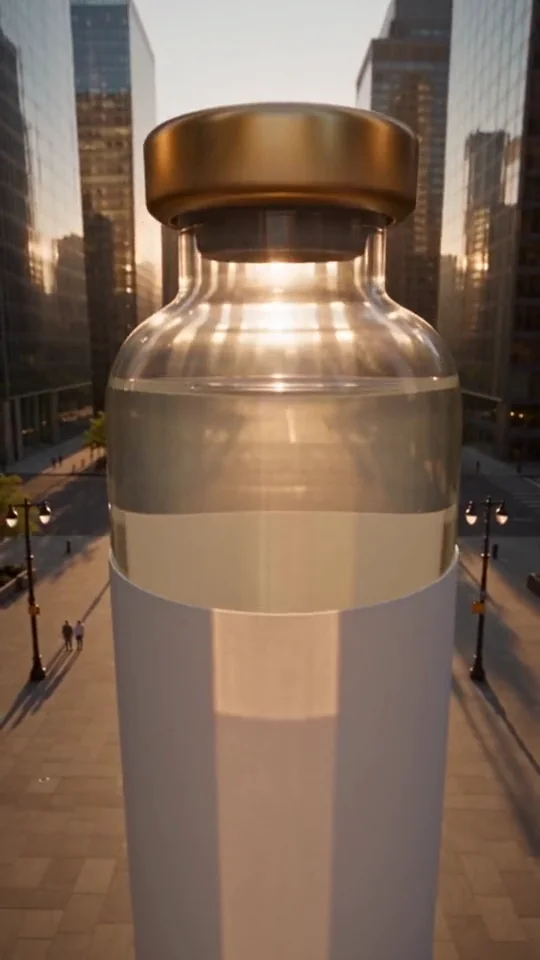
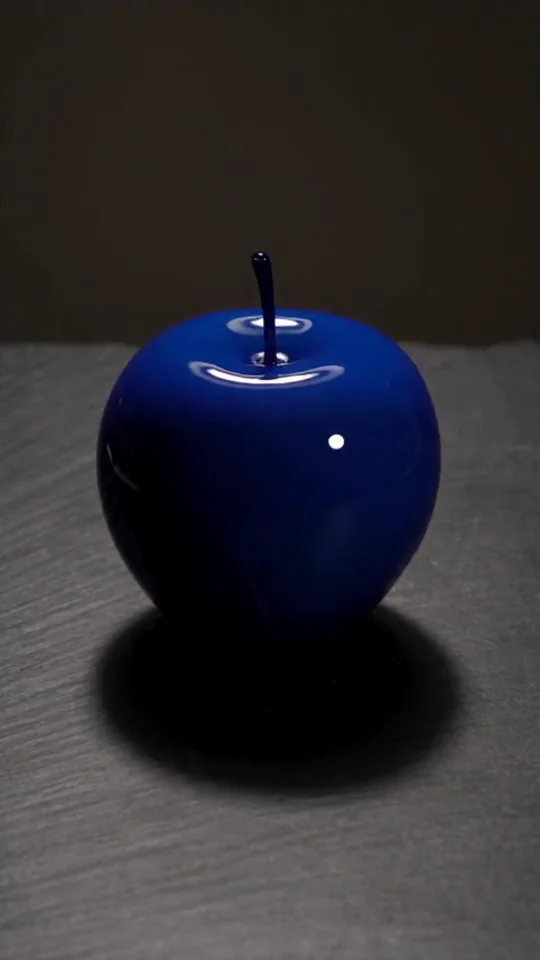
  • Giant Product AI video template previewProduct adsGiant Product
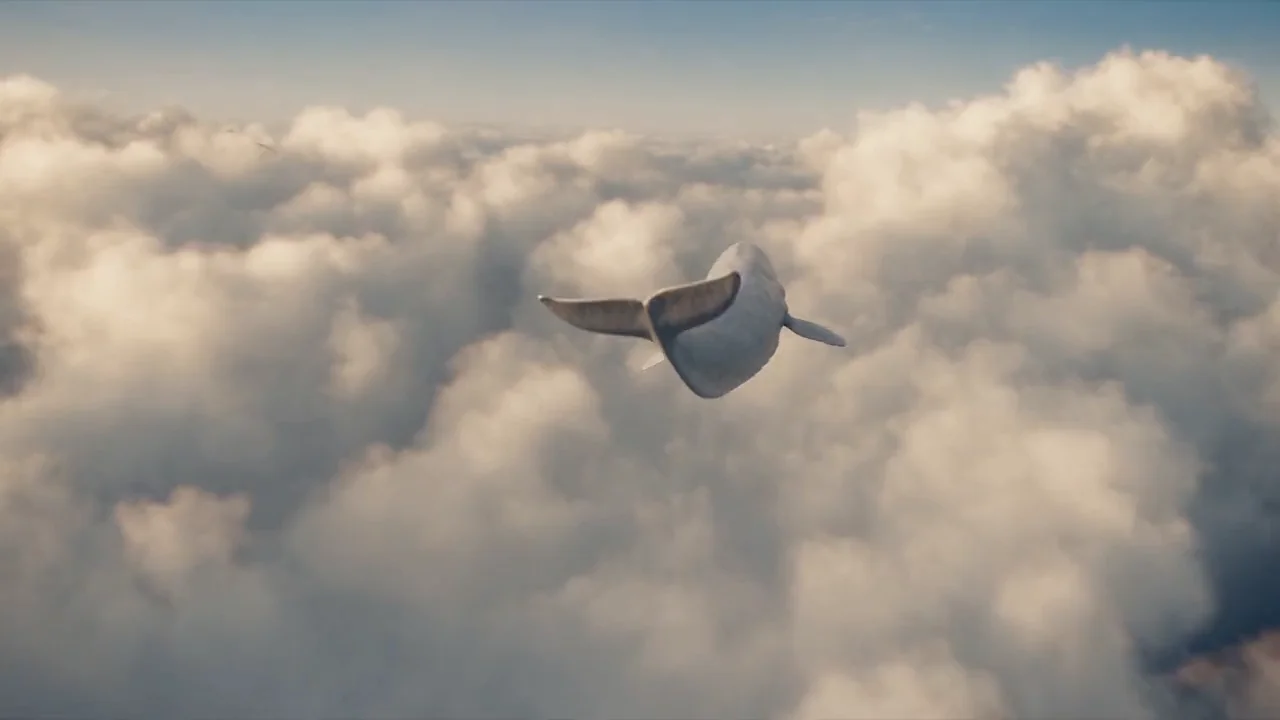
  • Skywhale Cloud Harbor AI video template previewStories & reelsSkywhale Cloud Harbor
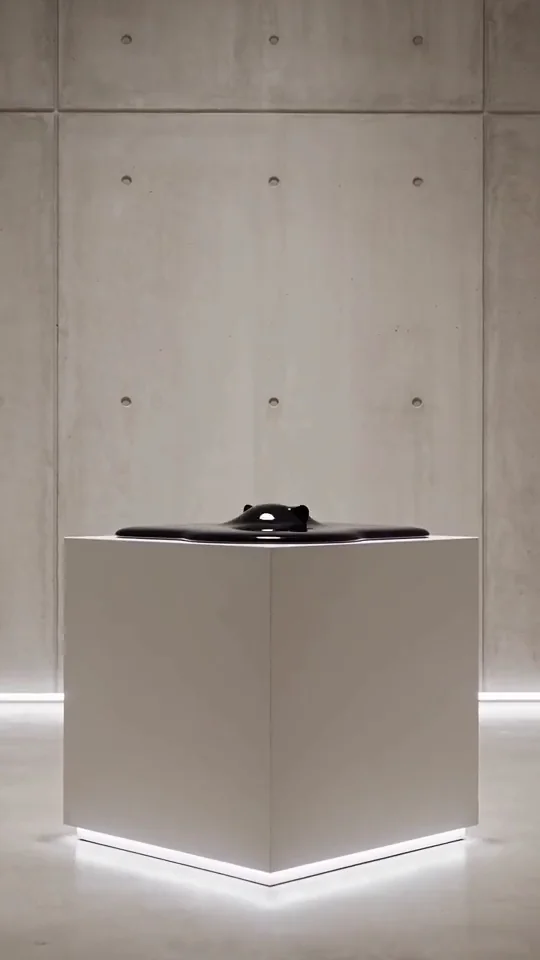
  • Liquid Melt AI video template previewTransformationsLiquid Melt
  • Liquid Architecture AI video template previewEffectsLiquid Architecture
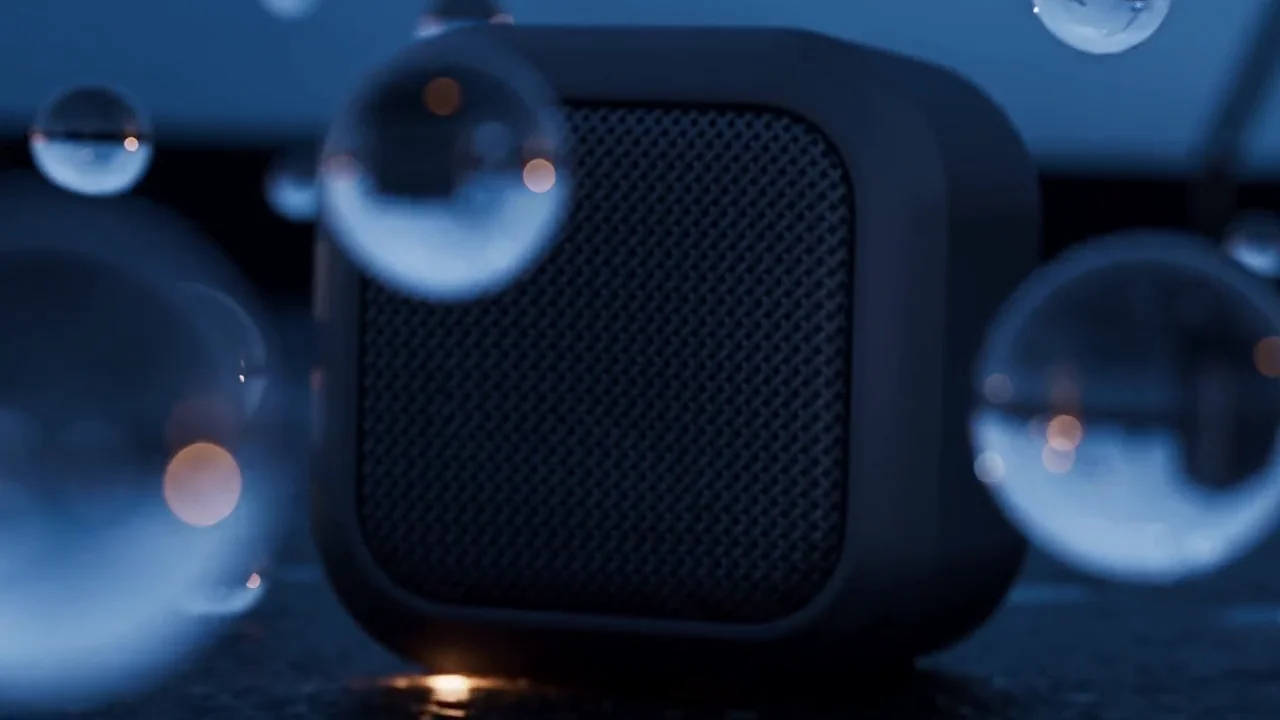
  • Blue Hour Speaker Film AI video template previewProduct adsBlue Hour Speaker Film
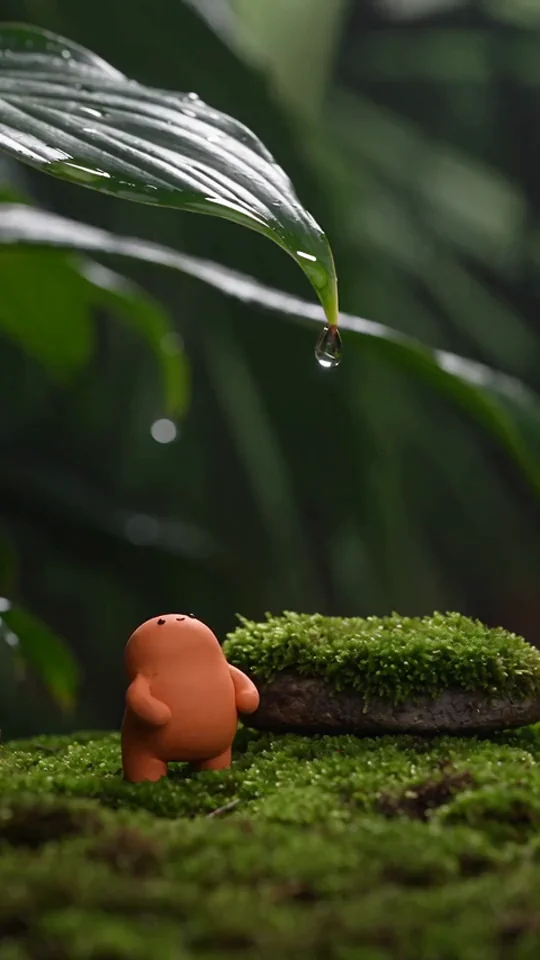
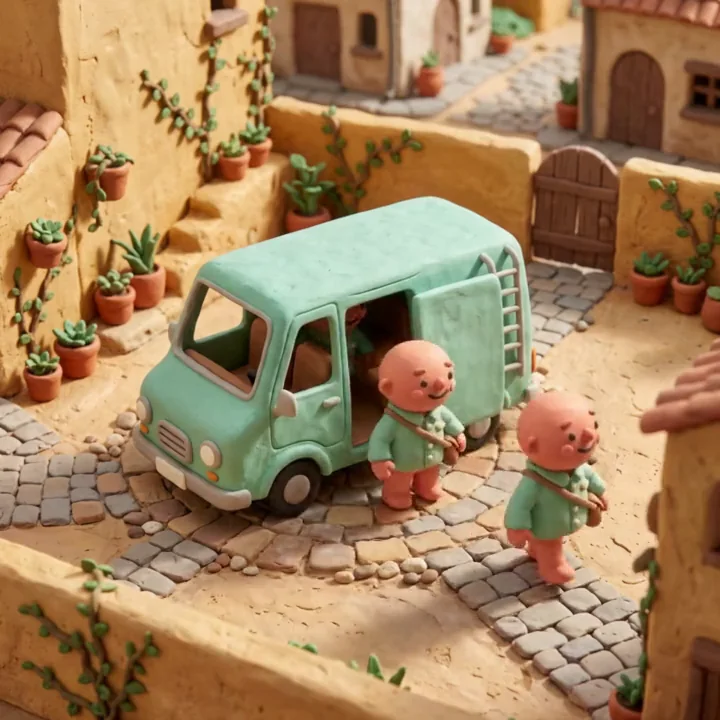
  • Tiny Jungle AI video template previewStories & reelsTiny Jungle
  • Postcard Rush AI video template previewTransformationsPostcard Rush
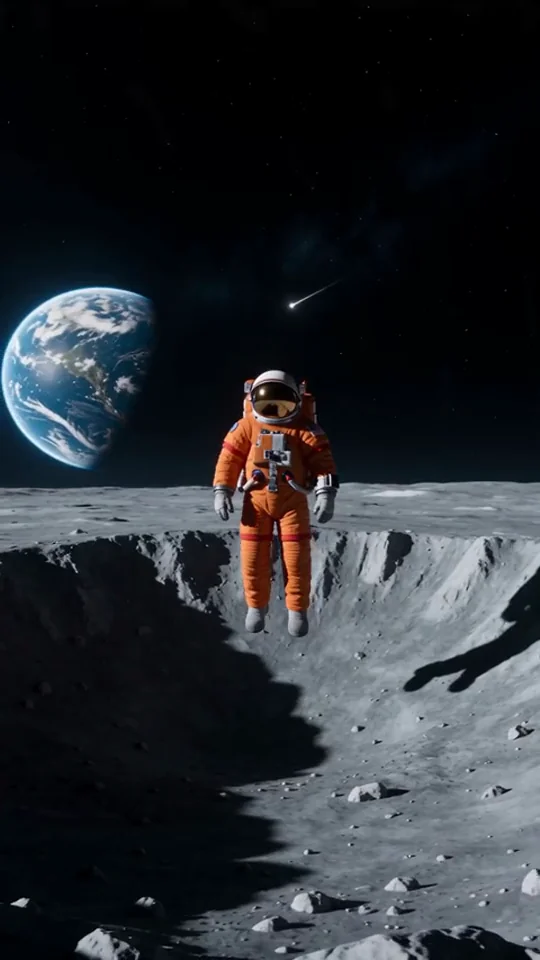
  • Lunar Drift AI video template previewEffectsLunar Drift
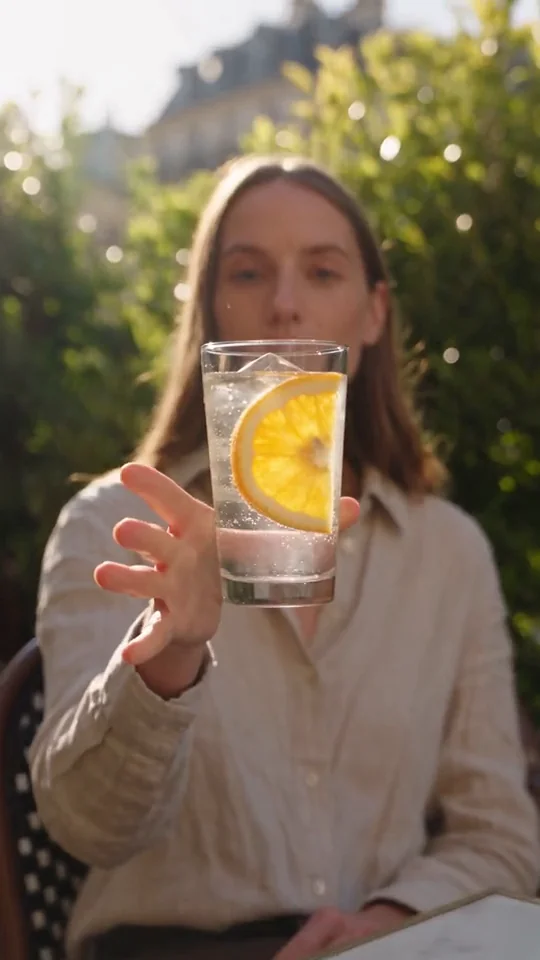
  • Drink Flyby Bump AI video template previewProduct adsDrink Flyby Bump
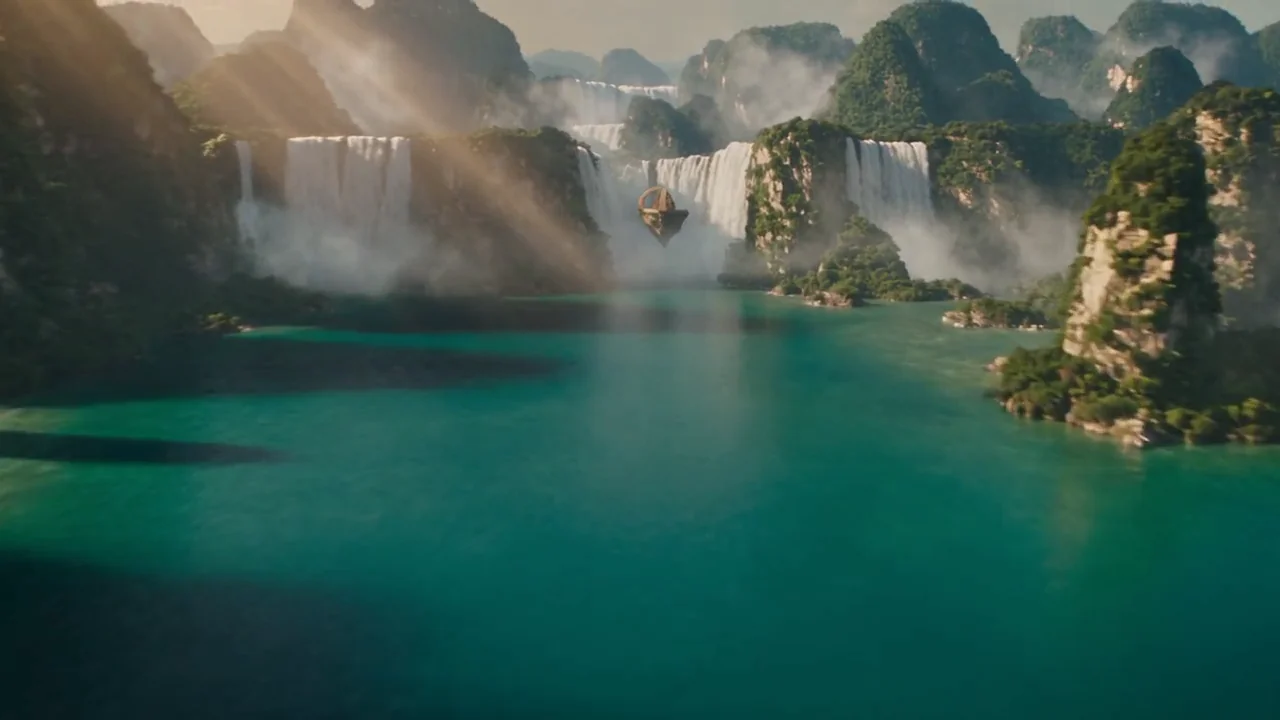
  • Waterfall Temple FPV AI video template previewStories & reelsWaterfall Temple FPV
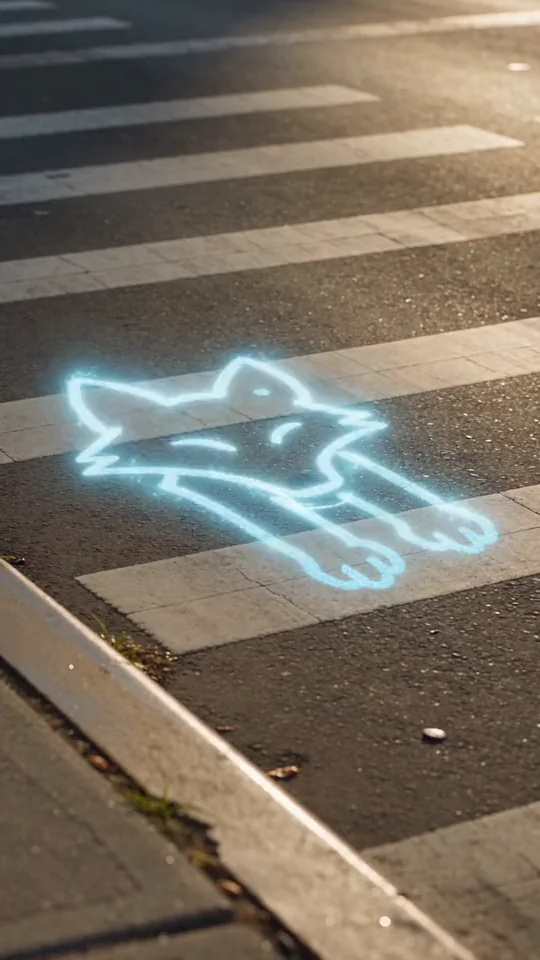
  • Inktoon Crosswalk AI video template previewTransformationsInktoon Crosswalk
  • Obsidian Panther AI video template previewEffectsObsidian Panther
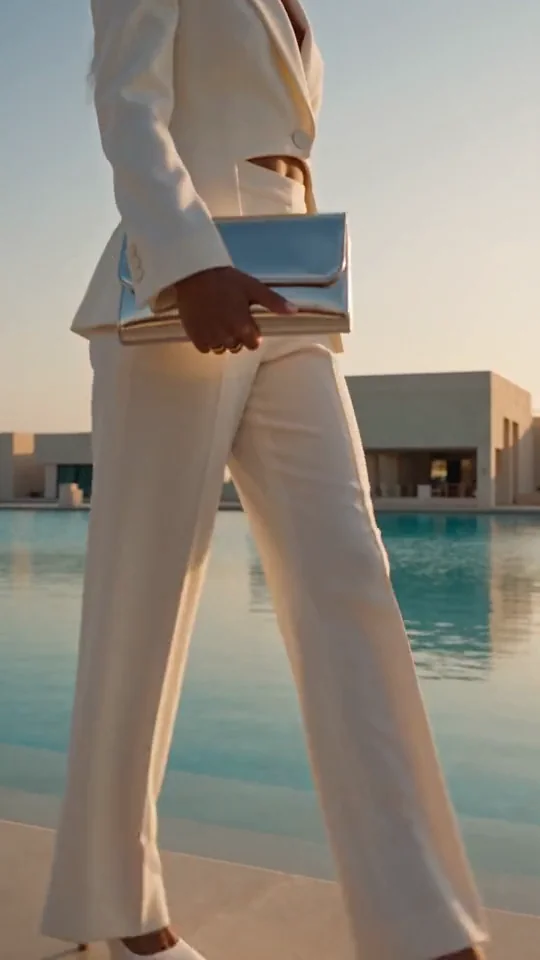
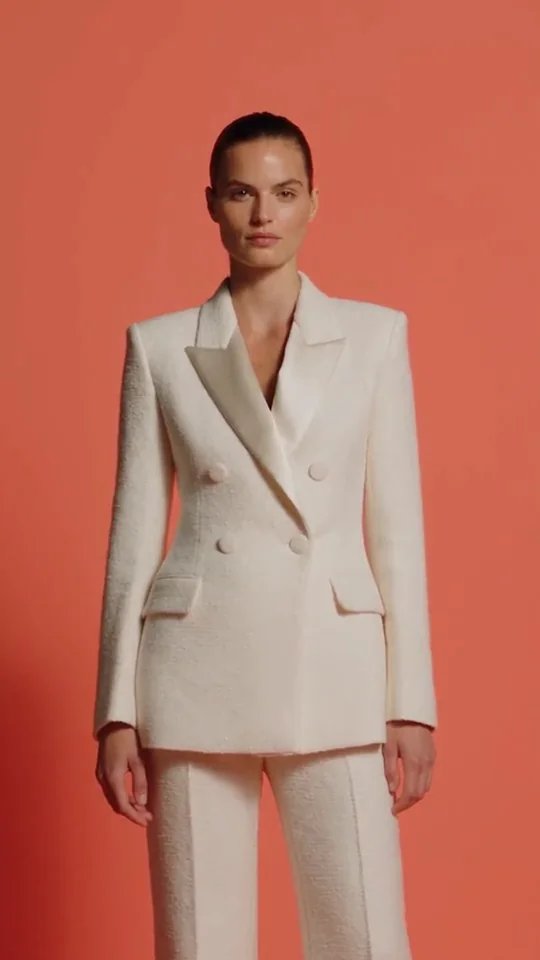
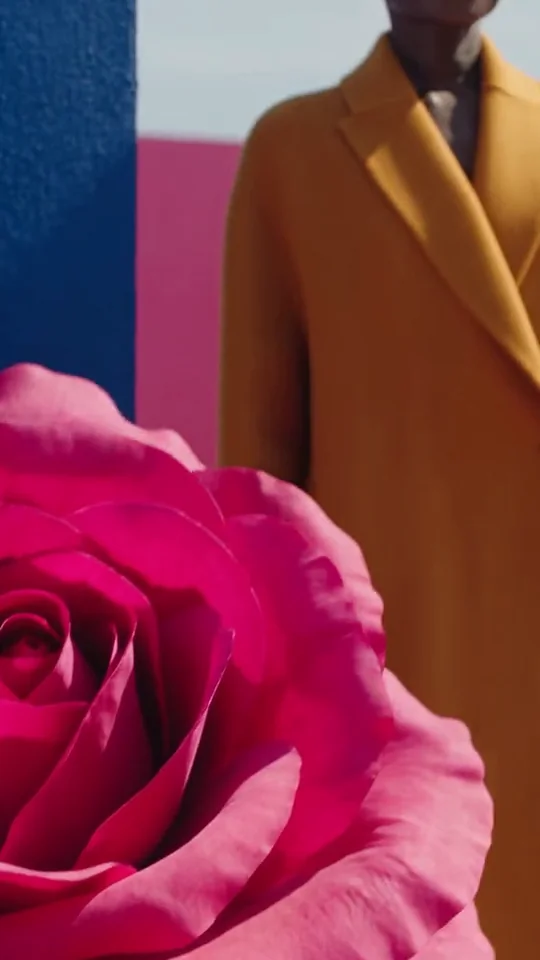
  • Color Pop Lookbook AI video template previewProduct adsColor Pop Lookbook
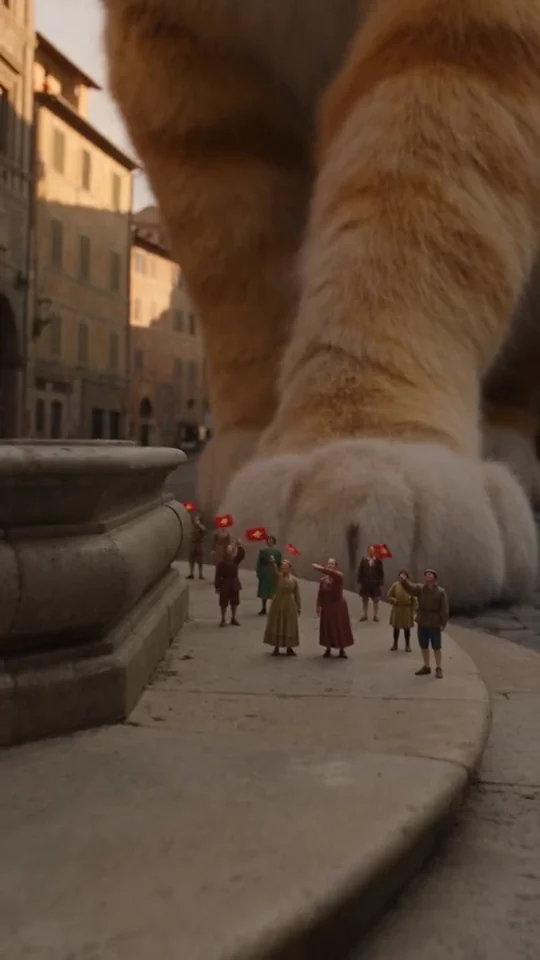
  • Colossal Courtyard Cat AI video template previewStories & reelsColossal Courtyard Cat
  • Bloom District AI video template previewEffectsBloom District
  • Infinite Clones AI video template previewEffectsInfinite Clones
- Behind the cuts

How these AI films were made.

  1. Script to shots

    Each cut started as a script or a short brief. Induce AI broke it into scenes and shots. See the script-to-video workflow.

  2. Shared references

    Characters and locations got shared references, and every shot went to a suitable video model. Read about AI video continuity.

  3. Checked before the next shot

    Rhapsody checked each take against the story before the next shot built on it. Start your own with Induce AI for creators.