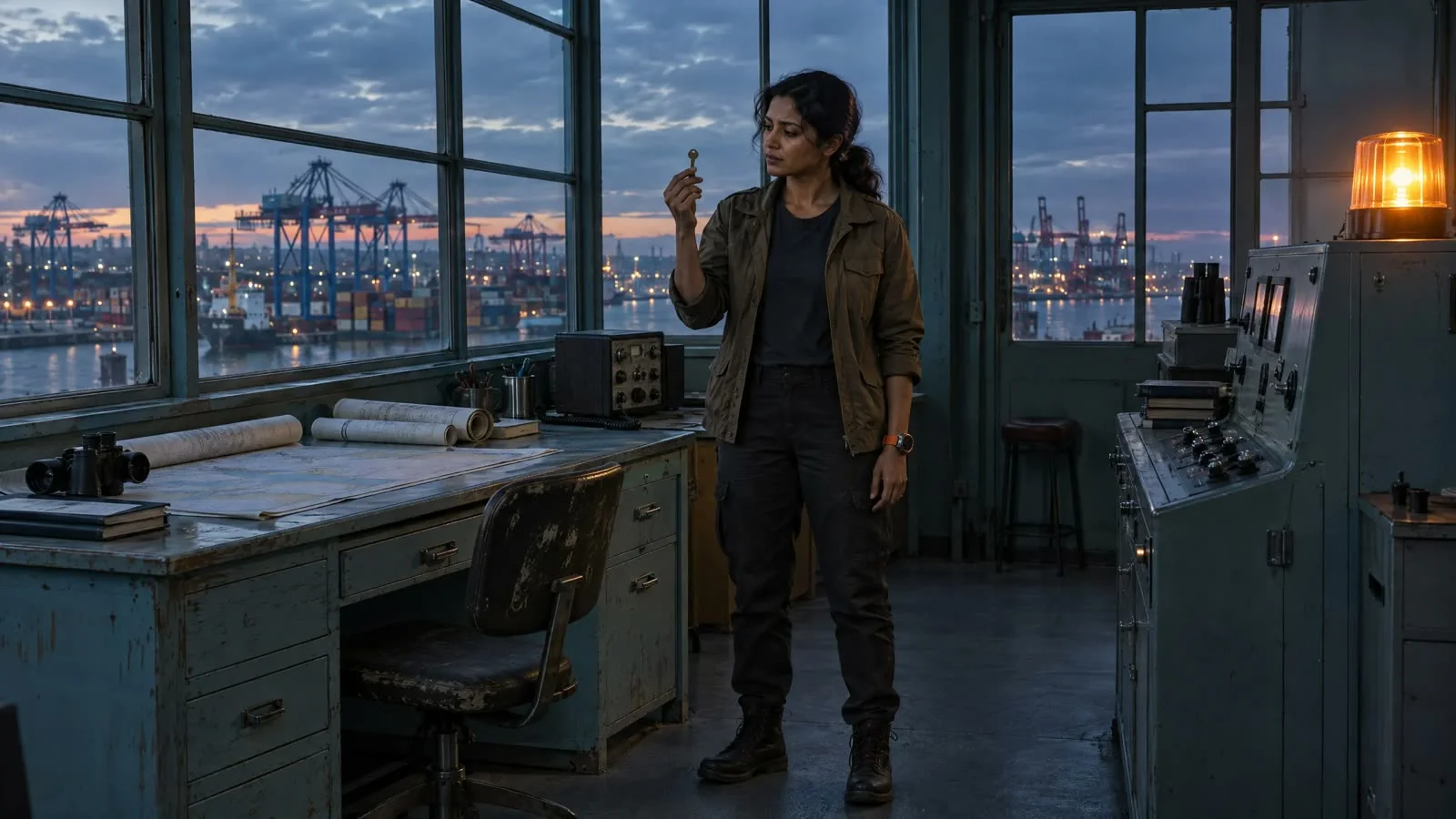
Signal at Dawn character, location, and prop references. Review generated shots against these details.
- How references carry
Shared references. A clear review.
Character, wardrobe, location, props, and mood each need a clear review. Choose a category to see how references and scene state inform the sequence.
Shared references
Character
Face and wardrobe
Location
Layout and light
Prop
Appearance and condition
+ Scene state
Who appears here, and from which angle?
→
Shot 03 · MCU · Dusk01
Planned clip
Use the intended cast reference and framing.
Checking · Face & silhouette02
Generated take
Inspect face, silhouette, and scale through the take.
ACutB03
Sequence review
Does this read as the same person across adjacent shots?
↶
Where supported, use reviewed take context to inform the next clip.
Workflow illustration. Review identity across shots; scene changes may need a new setup.
- When the story changes
Keep the intent. Review the change.
A wardrobe change or a new location can be intentional. Make the new scene state explicit, then review the details that should continue across the transition.
Mark the story change.
Identify the new location, time, wardrobe, or prop state in the scene plan.
What should change, and what should carry forward?
Update the intended reference.
Prepare the references and direction for the affected shots before creating new takes.
Does this shot have the right context?
Review the transition.
Compare the revised take with the shots around it and record your acceptance or retake note.
Does the change make sense in the cut?
- For studios and production operations
Before you expand production.
Test recurring cast, locations, and props across a complete sequence before increasing volume.
01Bring
The details that must carry.
Named character and wardrobe references
Location, light, and prop state
A sequence with changing framing
HandoffReference set + continuity notes
02Review
Each shot in its sequence.
Identity, costume, and key props
Action, eyelines, and screen direction
Scene changes and intended differences
HandoffAccepted takes + specific retake notes
03Measure
Consistency your team can judge.
Acceptance against your rubric
Retakes needed for each criterion
Review effort and approved footage cost
HandoffA repeatable review standard
Give every shot a review record.
Log the same fields for each shot so a pilot ends with evidence, not impressions.
Scene and shot
Script beat
References used
Acceptance criteria
Accept or retake
Retake count
Active review minutes
Generation and retake cost
Editing and finishing cost
Review owner and notes
- Questions
AI video continuity, in practice.
Continuity means character identity, wardrobe, locations, props, action, lighting, and spatial relationships make sense across the cut. It is assessed across a sequence as well as within each shot.
Named visual references and scene and shot planning establish the intended look and action. Supported workflows can also use context from an accepted earlier take. Review the generated footage together to judge whether the sequence holds.
User-supplied visual material can be saved as named project references for characters, locations, and props. Confirm the selected workflow’s input and likeness requirements before production.
A new scene can require a new visual setup. References should preserve the intended identities and design, while the scene and shot plan establishes the new place, lighting, action, and story state.
Generated results can vary. References establish the intended identity and look; the production team still needs to review details across shots and decide which results need another take.
Use recurring characters and props across different framings in a representative sequence. Agree a review rubric for identity, wardrobe, action, location, and lighting, then record acceptance, retakes, and review effort across the cut.
- Set your production standard
Bring recurring cast. Test the sequence.
Evaluate references, shot changes, retakes, and review effort against your team’s own acceptance criteria.
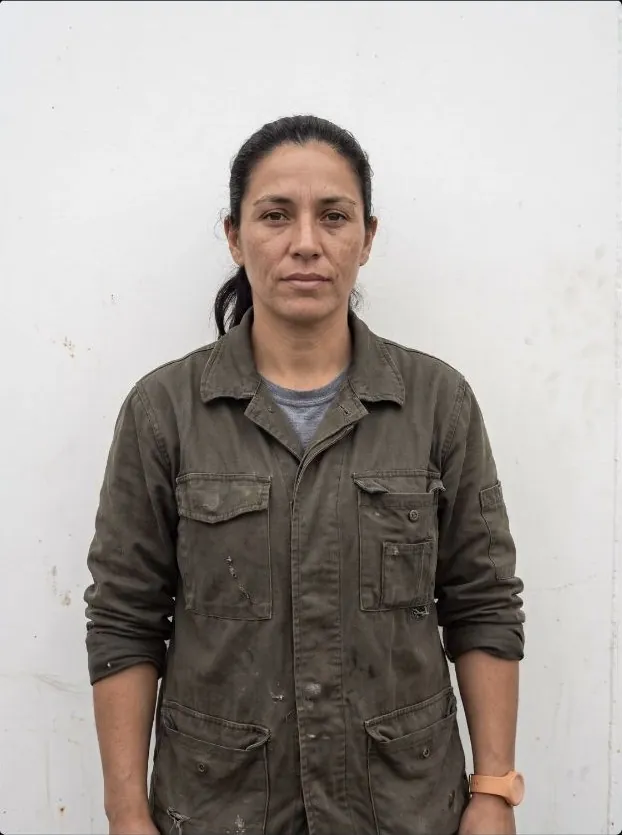 Cast / Nora
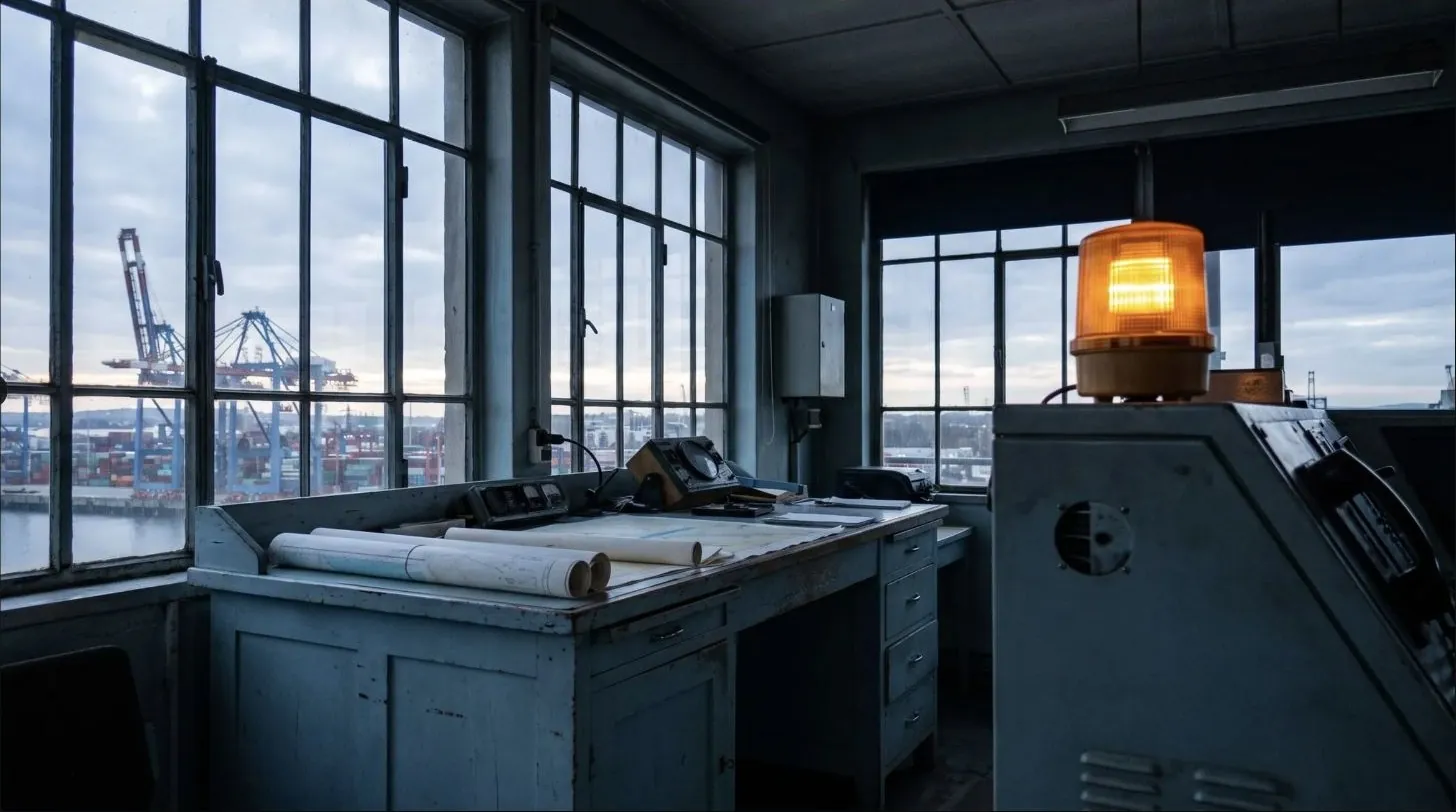 Location / control room
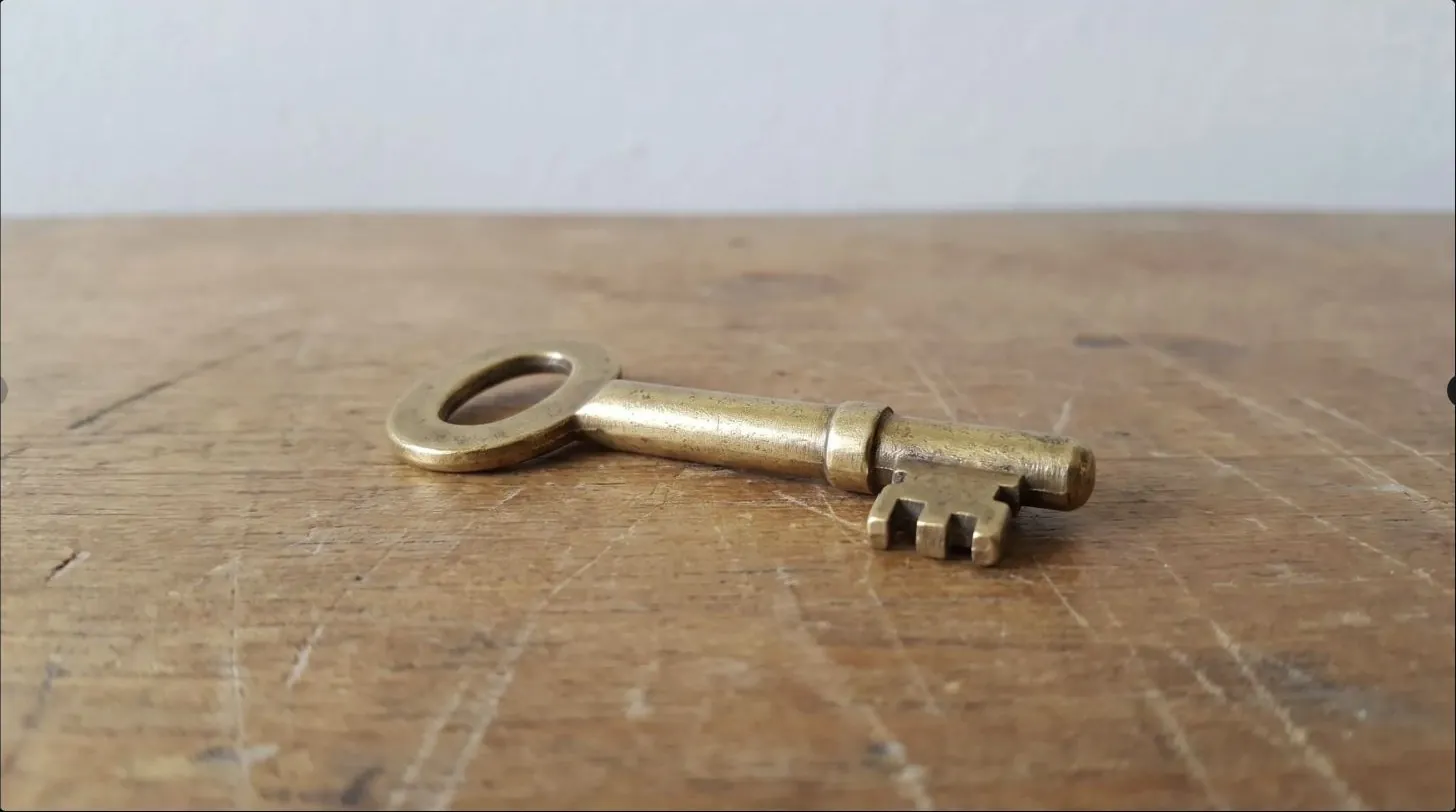 Prop / brass key