Handbags & accessories
AI handbag photography for bags and leather accessories
To make handbag product photos with AI, upload 1 to 8 photos of the bag to Flash Shoot in Induce AI, covering the front, side, back and hardware. Choose whether a model carries it, set the background and light, and generate stills and short videos. Check the hardware, stitching, logo and leather colour against the real bag before you publish.
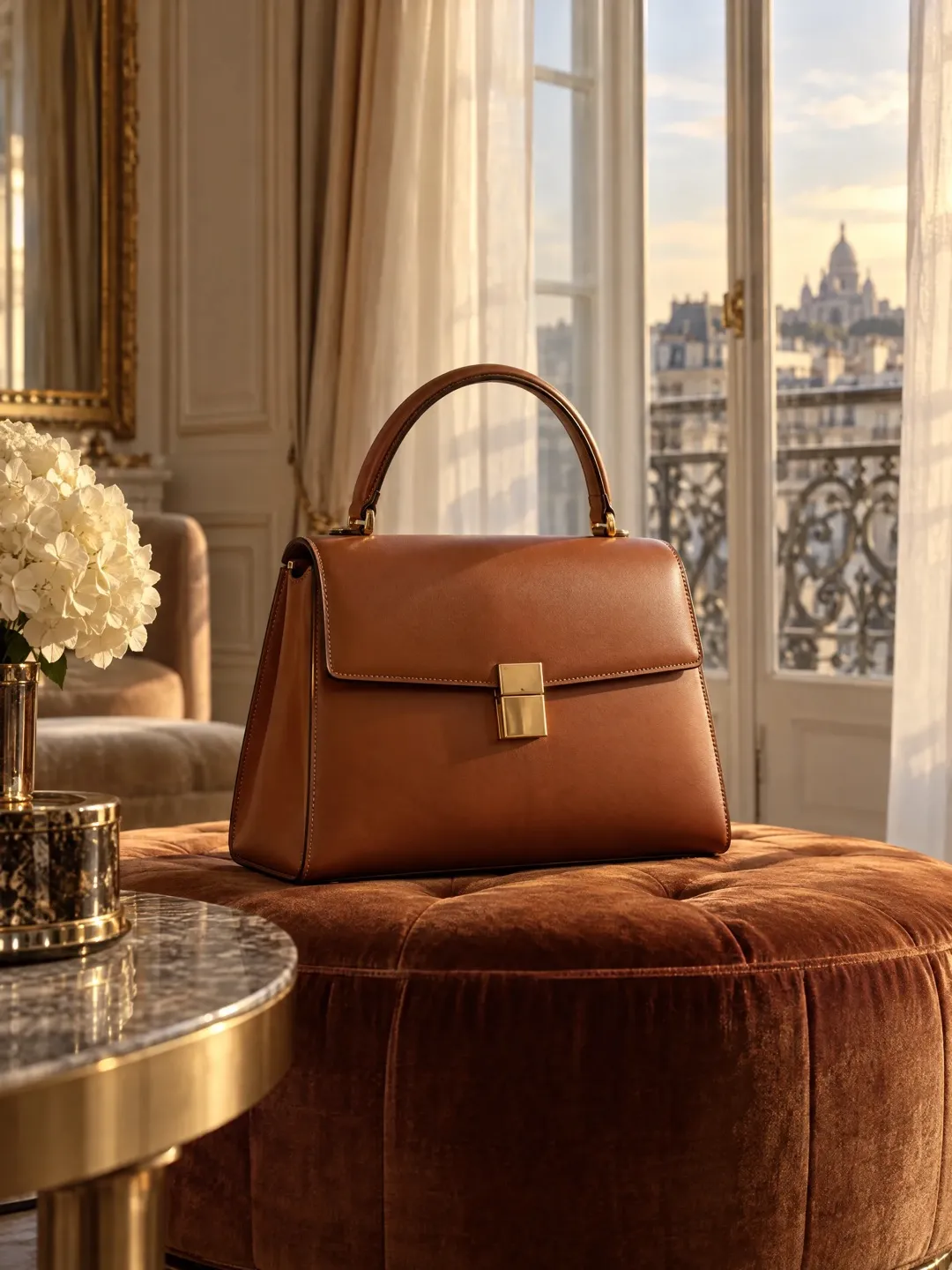
- Input
- 1 to 8 product photos (PNG, JPG, WebP or HEIC)
- Outputs
- Still images and short videos
- Formats
- Stills 3:4 by default; video 9:16, 1:1 or 16:9
- Model
- None, stock, your own photo, or described
Shape, leather and hardware
A bag needs to look full and upright. Studio photographers stuff bags with tissue to hold their shape, hide the stuffing, and pose straps and handles so they fall evenly. A bag that slumps looks cheap.
Leather and other materials each need their own light. Pebbled leather needs side light to show its grain. Smooth and patent leather reflect. Suede, canvas and woven straw absorb light. Metal hardware, such as clasps, zips, feet and chain straps, reflects the room and can look dull or blown out. Stitching is a quality signal: buyers look for straight, even stitches along the edges and handles. Colour must also match, because leather colours have names, and a tan bag that photographs as brown will come back.
The shot list for a bag listing
Bag buyers want to know how it looks, what fits inside, and how big it is on the body. Keep the same background and light across the set, so the leather reads as one colour from shot to shot.
- Front packshot on a plain background, bag stuffed and upright.
- Side view to show the depth of the gusset.
- Back view, including any back pocket.
- Interior, opened, showing pockets and lining.
- Hardware and stitching details.
- Strap and handle views, showing drop length.
- On-model shots carried by hand, on the shoulder and crossbody.
Small accessories and formats
Wallets, cardholders and belts follow the same rules at a smaller scale. Show wallets open and closed, with card slots visible, and belts coiled and buckled, with a buckle close-up. Scale is harder to judge for small items, so add an in-hand shot.
Many marketplaces ask for the main image on plain white. Check the current rules for your marketplace. Use 3:4 stills for feed posts, a 9:16 video of a model walking with the bag for Reels and Shorts, and 16:9 for banners. Flash Shoot makes 3:4 stills by default and videos in 9:16, 1:1 or 16:9, with up to 4 variants per output.
What to check
Check the bag outline, handle shape and strap attachment points. Count the hardware pieces and check the metal colour. Follow the stitching lines and check the logo or embossing letter by letter. Compare leather colour in neutral light.
AI cannot know what the inside of your bag looks like unless you show it. If you want interior shots, upload a photo of the open bag. On on-model shots, check that the bag is a believable size against the body, and give real dimensions in the listing.
Handbag shot list with placements
| Shot | What it shows | Best format |
|---|---|---|
| Front packshot | Shape, colour, logo | Main listing image on white |
| Side view | Depth and gusset | Listing gallery |
| Interior | Pockets, lining, capacity | Listing gallery (needs an interior reference photo) |
| Hardware detail | Clasp, zip and metal finish | Listing gallery |
| On-model shoulder or crossbody | Size and strap drop on the body | 3:4 feed post, listing gallery |
| Walking with the bag | How it moves and sits | 9:16 video for Reels and Shorts |
How to do it in Induce AI
Upload the bag
Add 1 to 8 photos of the bag, stuffed and upright: front, side, back, open interior and hardware close-ups.
Choose the model option
Pick no model for packshots, or a stock model, your own model photo or a described model for carried shots.
Set background and light
Choose a plain background for listings or a street, café or stone setting for ads, and side light that shows the leather grain.
Generate stills and videos
Generate 3:4 stills and a 9:16 video for Reels and Shorts. Use Flash Films for a short ad film.
Review and download
Check hardware, stitching, logo and leather colour against the real bag, then download.